Soda Clock widgets are here
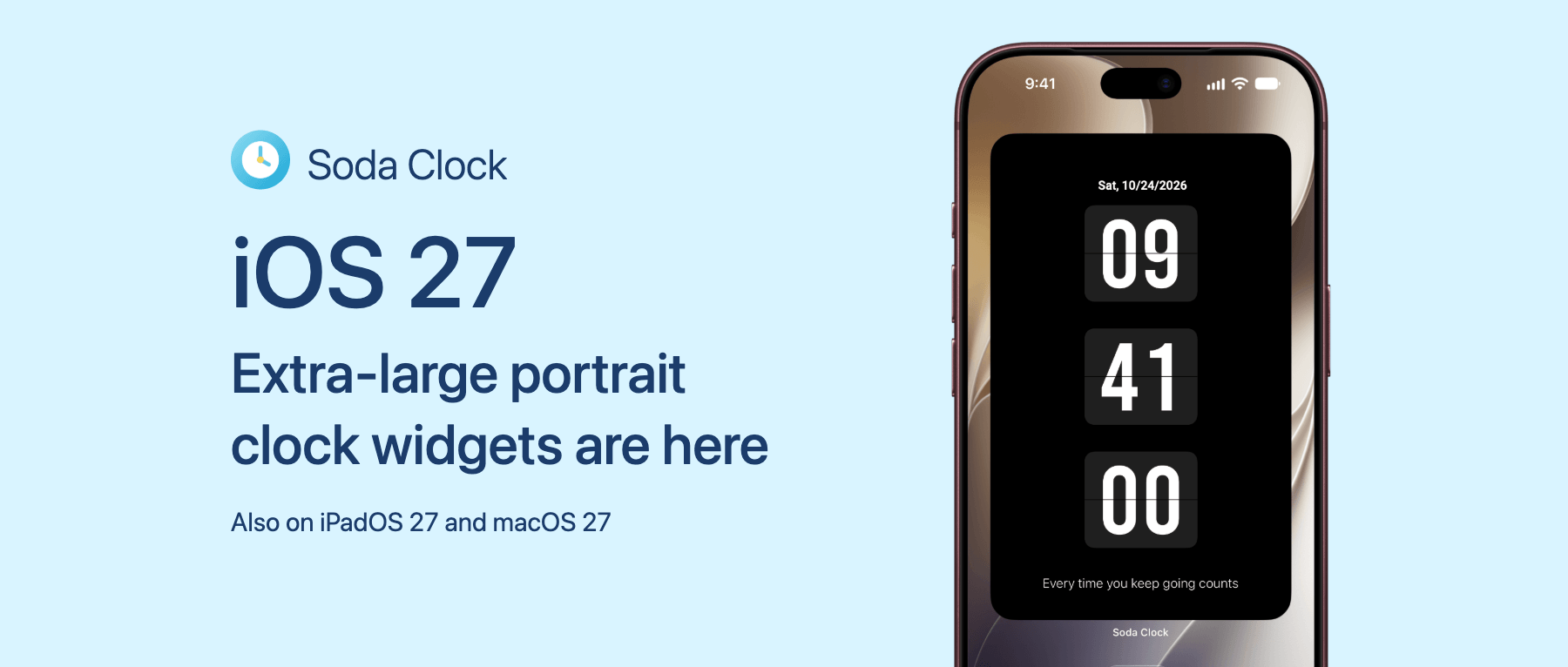
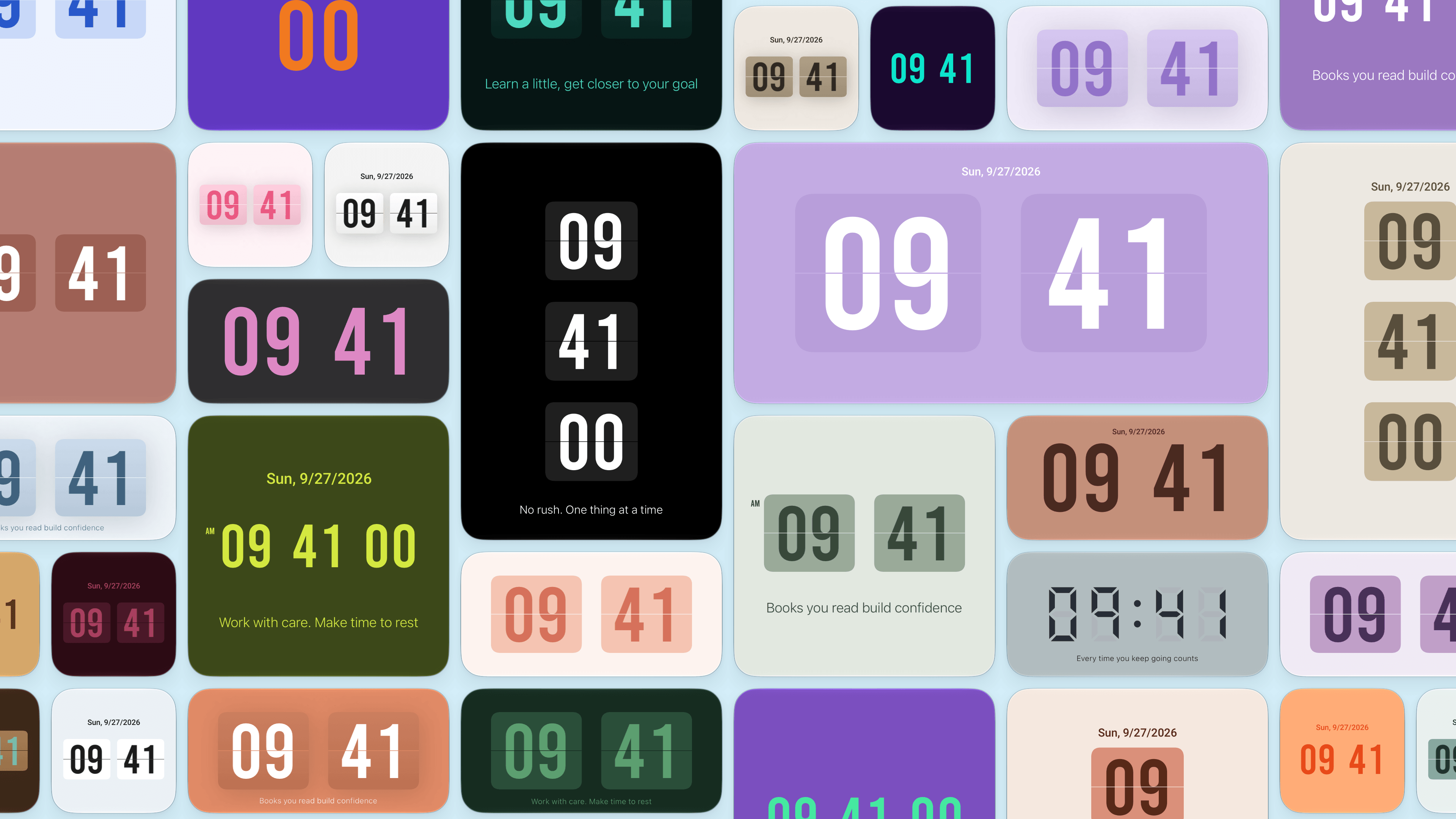
Soda Clock 1.1.1 is here. Update the app to add clock widgets to your iPhone or iPad Home Screen, or your Mac desktop, and see the time at a glance.
What’s included?
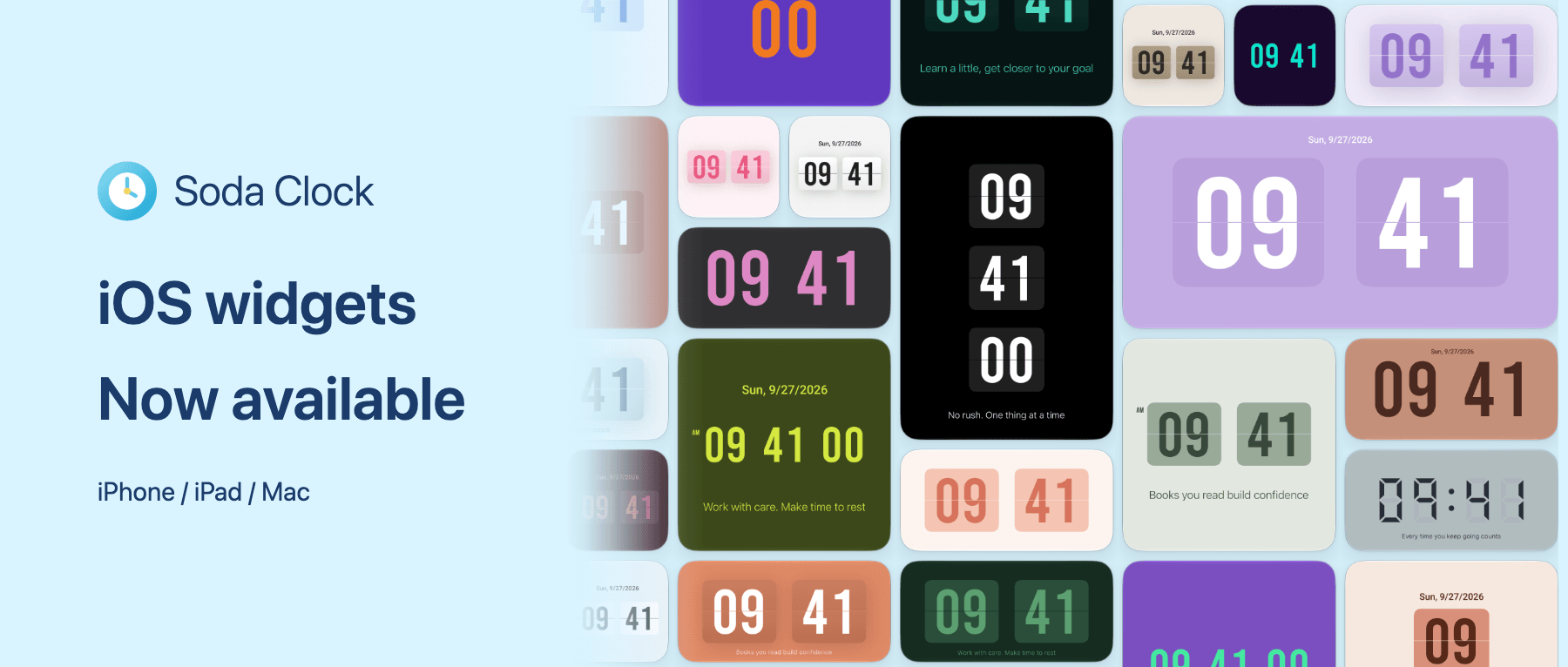
- A range of clock designs, from card-style faces to digital displays.
- A choice of sizes and colors.
- Settings for the date, seconds, 12- or 24-hour time, and Personal Message.
- A Lock Screen seconds widget on iPhone and iPad.
Which systems are supported?
- iPhone: iOS 18 or later.
- iPad: iPadOS 18 or later.
- Mac: macOS 15 or later.
Available sizes and appearance vary by device and system version.
How to add a widget
Update Soda Clock, then search for “Soda Clock” in your device’s widget gallery. Choose a style and size, then add the widget. For step-by-step instructions, open More in the app and view the widget guide.
The black and white versions of the 3D card widget are free to use. Other styles and some personalization options require Pro.
Open the App Store and search for “Soda Clock” to download or update.