Soda Clock now supports extra-large portrait widgets for iOS 27
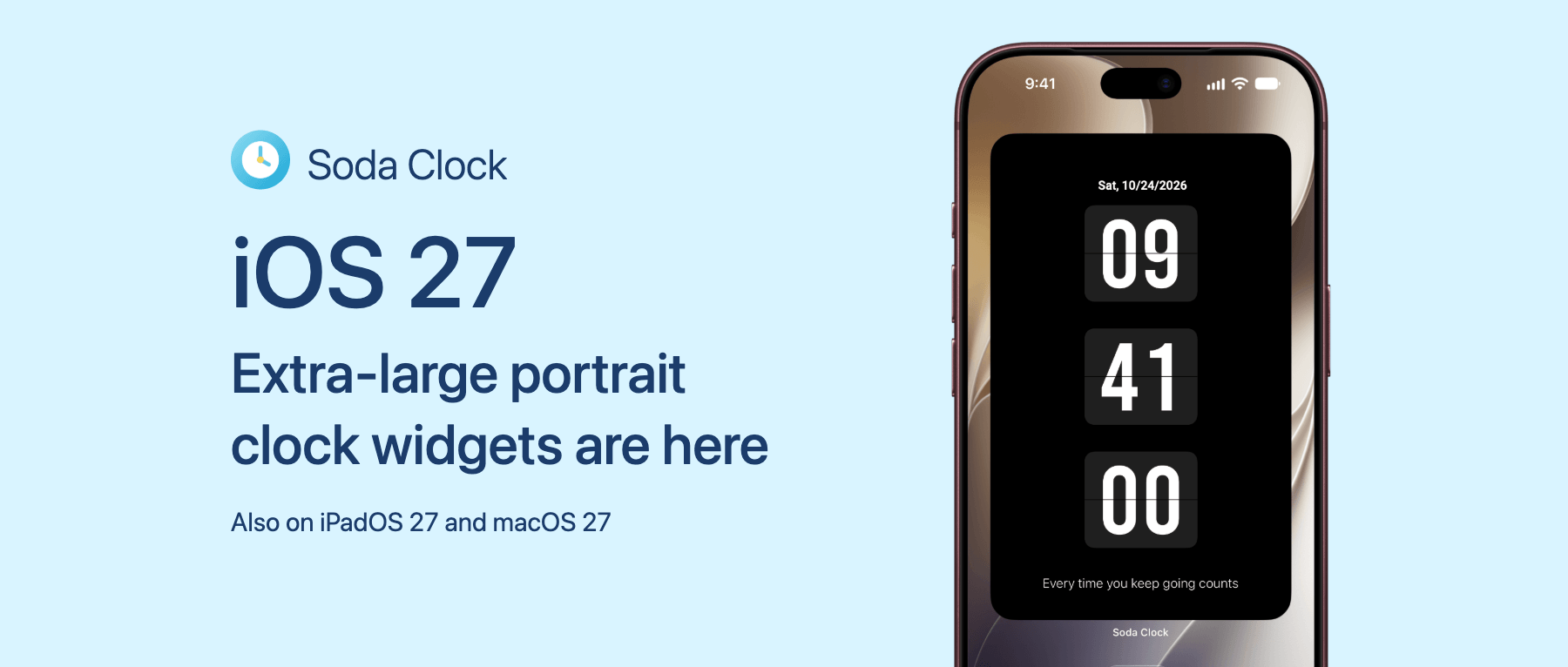
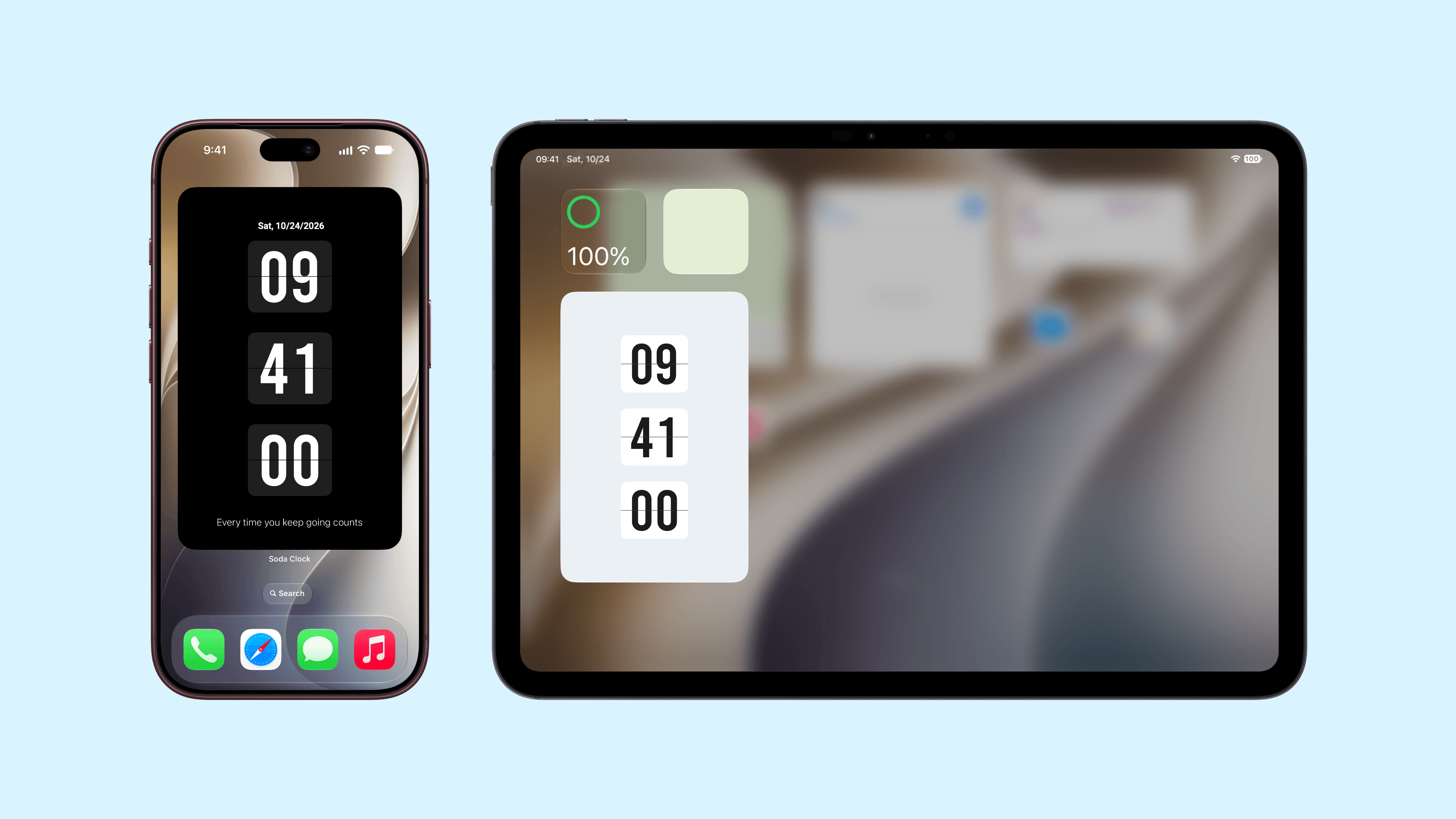
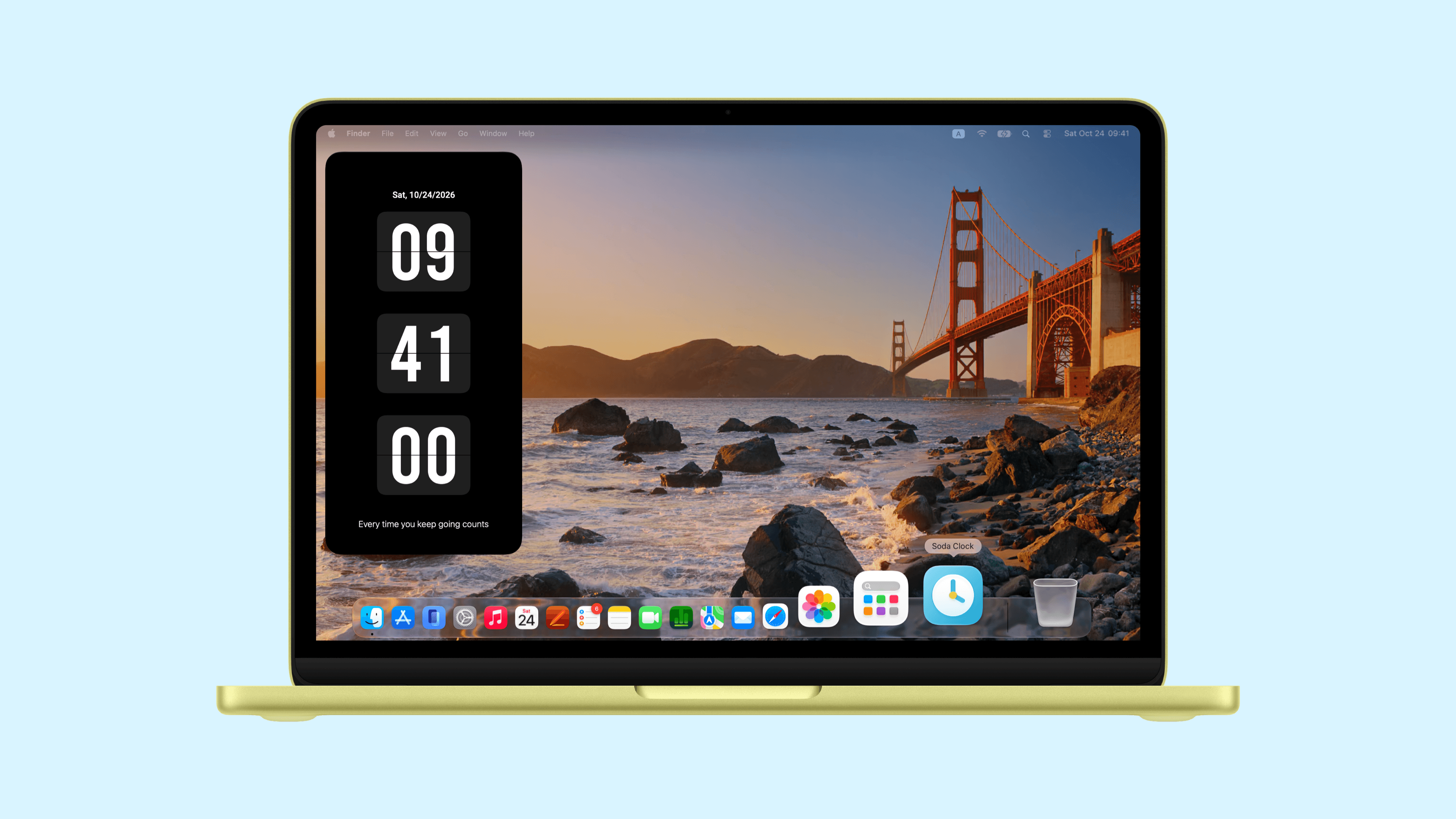
Soda Clock 1.1.1 adds support for extra-large portrait clock widgets. Add one to your iPhone Home Screen, Today View on iPad, or your Mac desktop for a larger view of the time.
What’s included?
- Separate hour, minute, and second displays, with vertical and horizontal layouts.
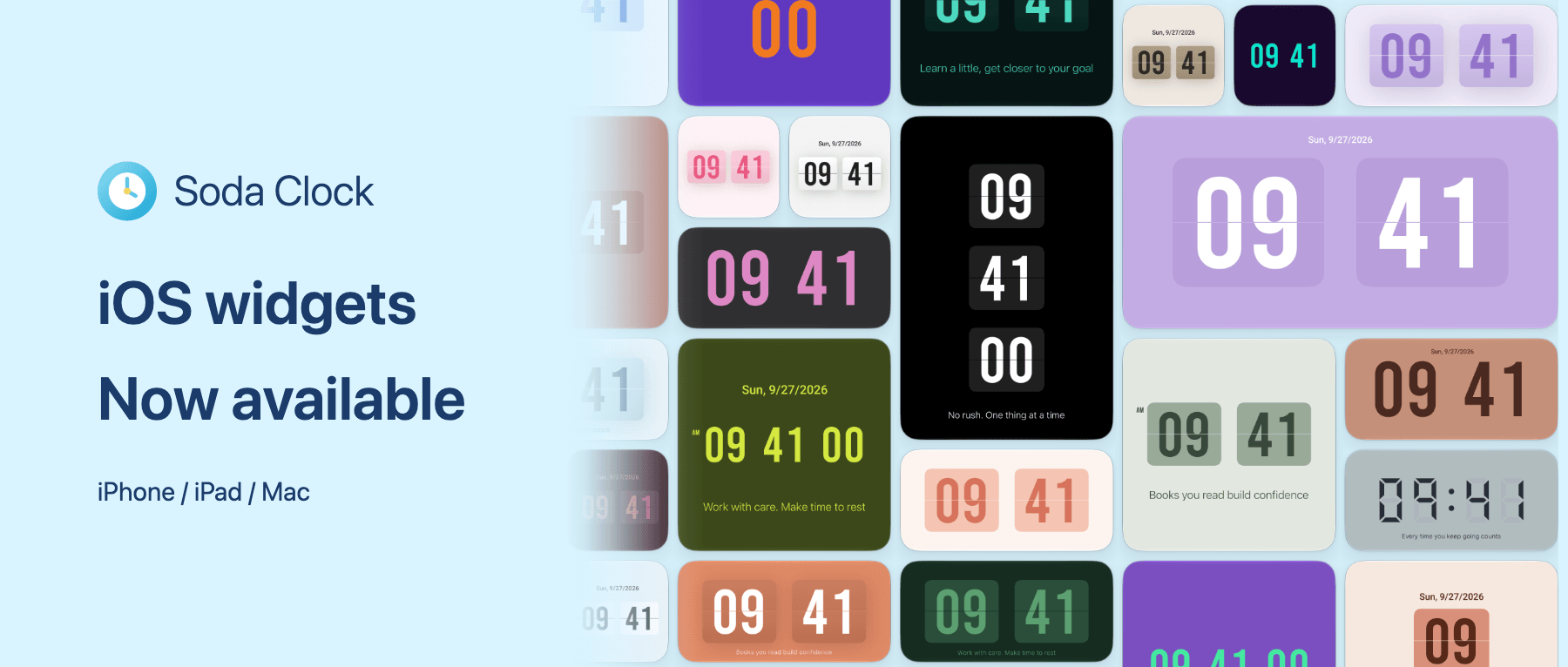
- A choice of clock styles and colors.
- Settings for the date, seconds, 12- or 24-hour time, and Personal Message.
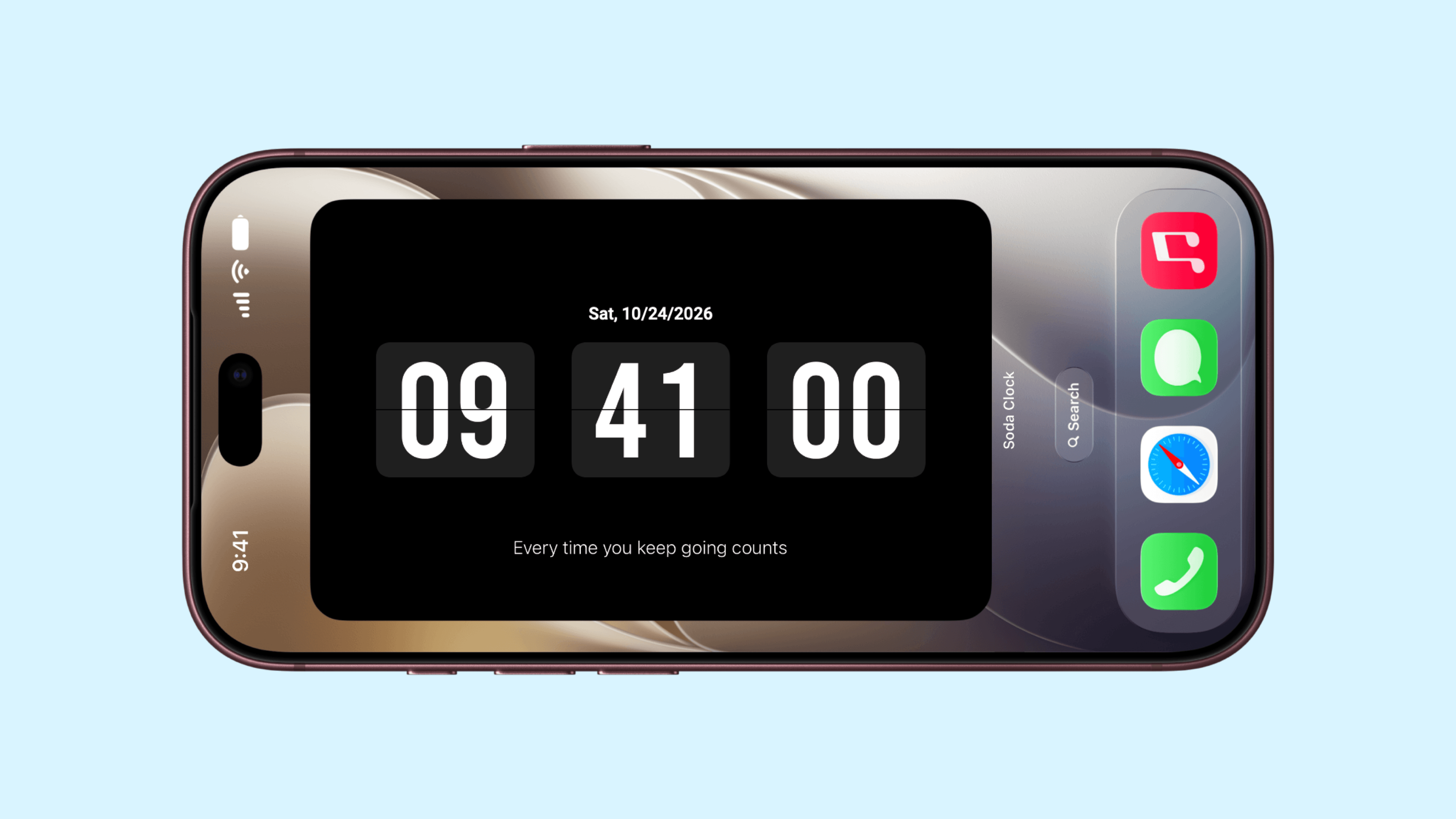
Turn your iPhone sideways. Keep time in view.
Extra-large portrait widgets also support a horizontal layout. Change the layout in the widget’s editing options, then place your iPhone sideways to view the time, date, and Personal Message horizontally.
Which systems are supported?
- iPhone: iOS 27 or later.
- iPad: iPadOS 27 or later. Add the widget to Today View.
- Mac: macOS 27 or later.
These requirements apply to the extra-large portrait size. Other widget sizes retain their existing system requirements.
How to add a widget
Make sure your device is running at least iOS 27, iPadOS 27, or macOS 27, and update Soda Clock. Search for “Soda Clock” in the widget gallery, then choose your preferred style and the extra-large portrait size. On iPad, first swipe right on the first Home Screen page to open Today View.
After adding the widget, use its editing options to change the layout and displayed content. For detailed instructions, open More in the app and view the widget guide.
Open the App Store and search for “Soda Clock” to download or update.