Soda Clock now supports iPhone Duo
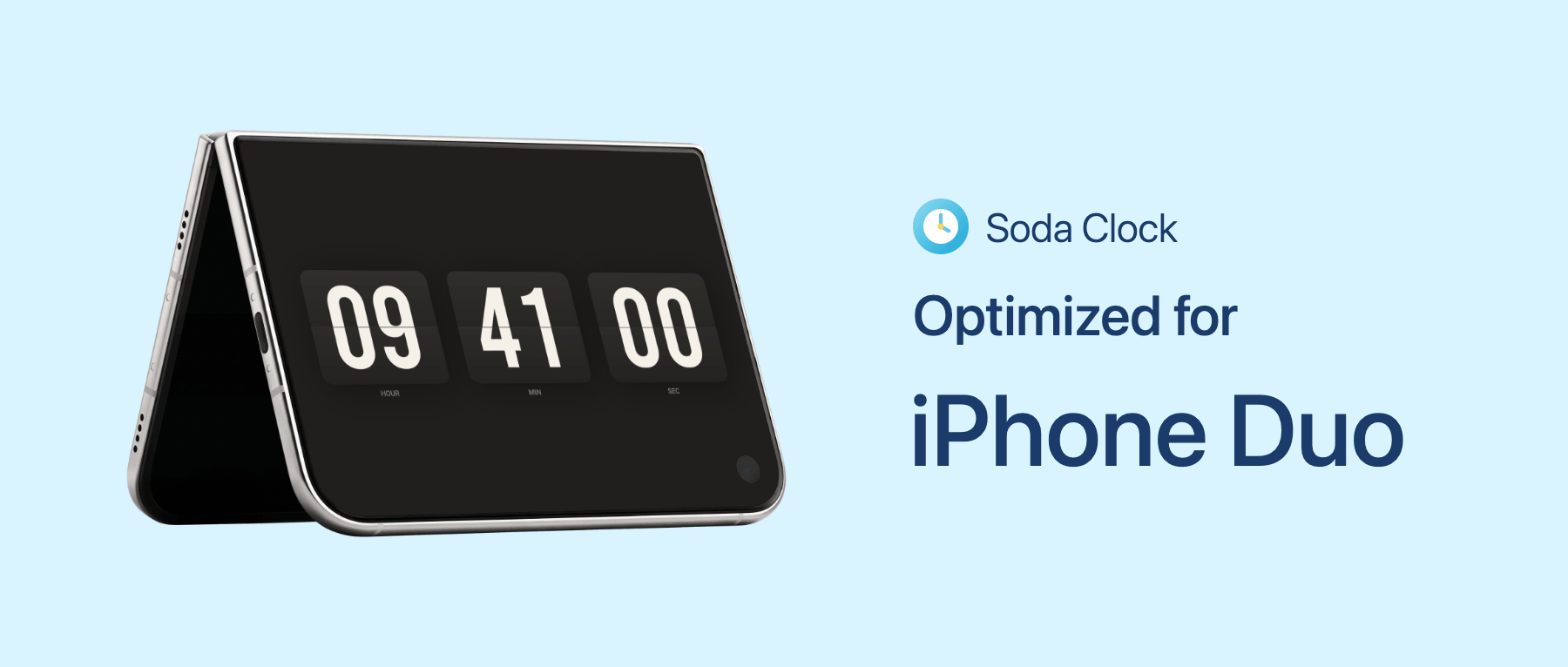
Soda Clock 1.2 is here, with support for the iPhone Duo foldable display. Layouts are optimized for the inner and outer screens, portrait and landscape orientations, and different folding positions—whether you unfold your phone or rest it half-folded on your desk.
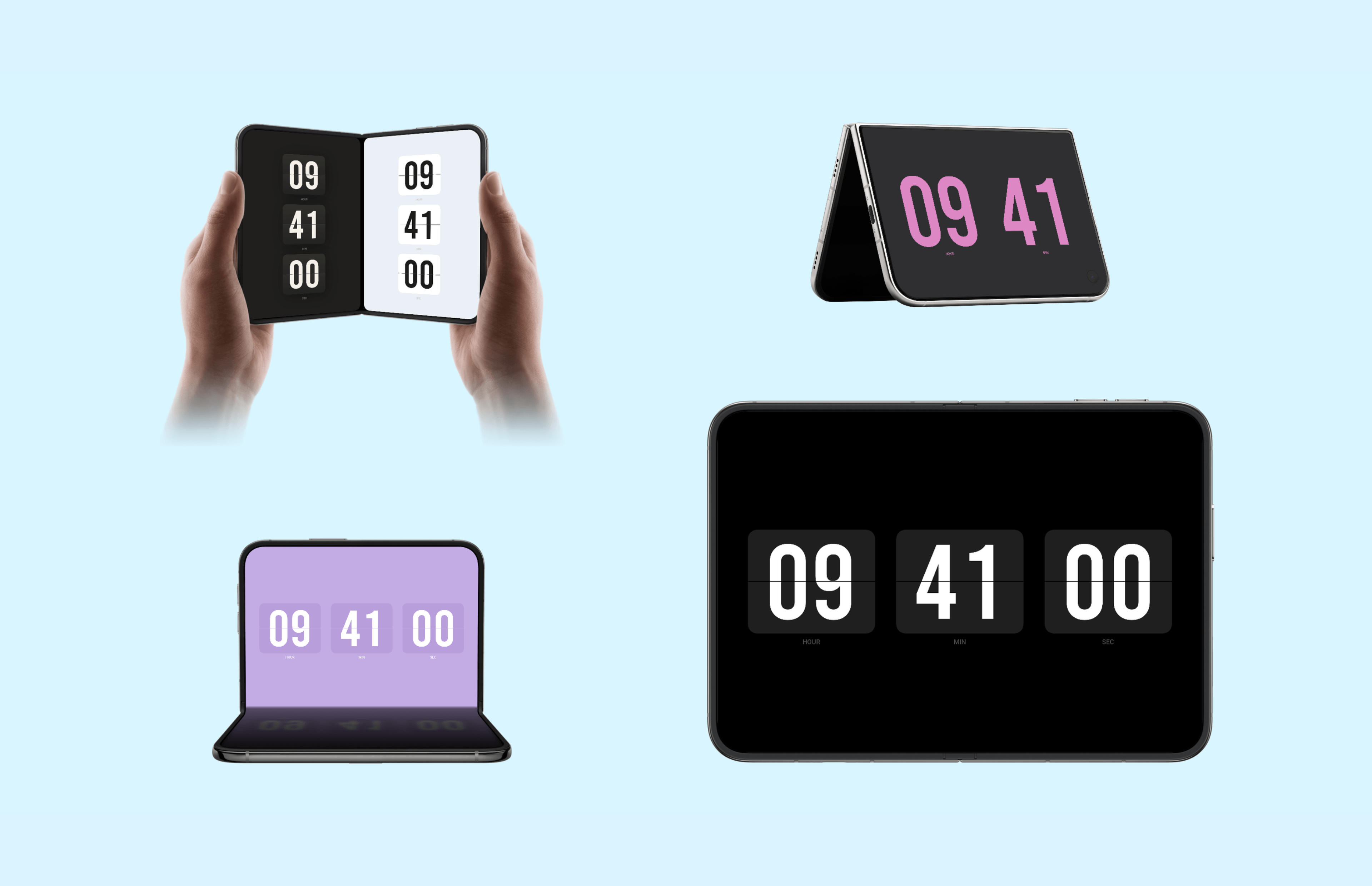
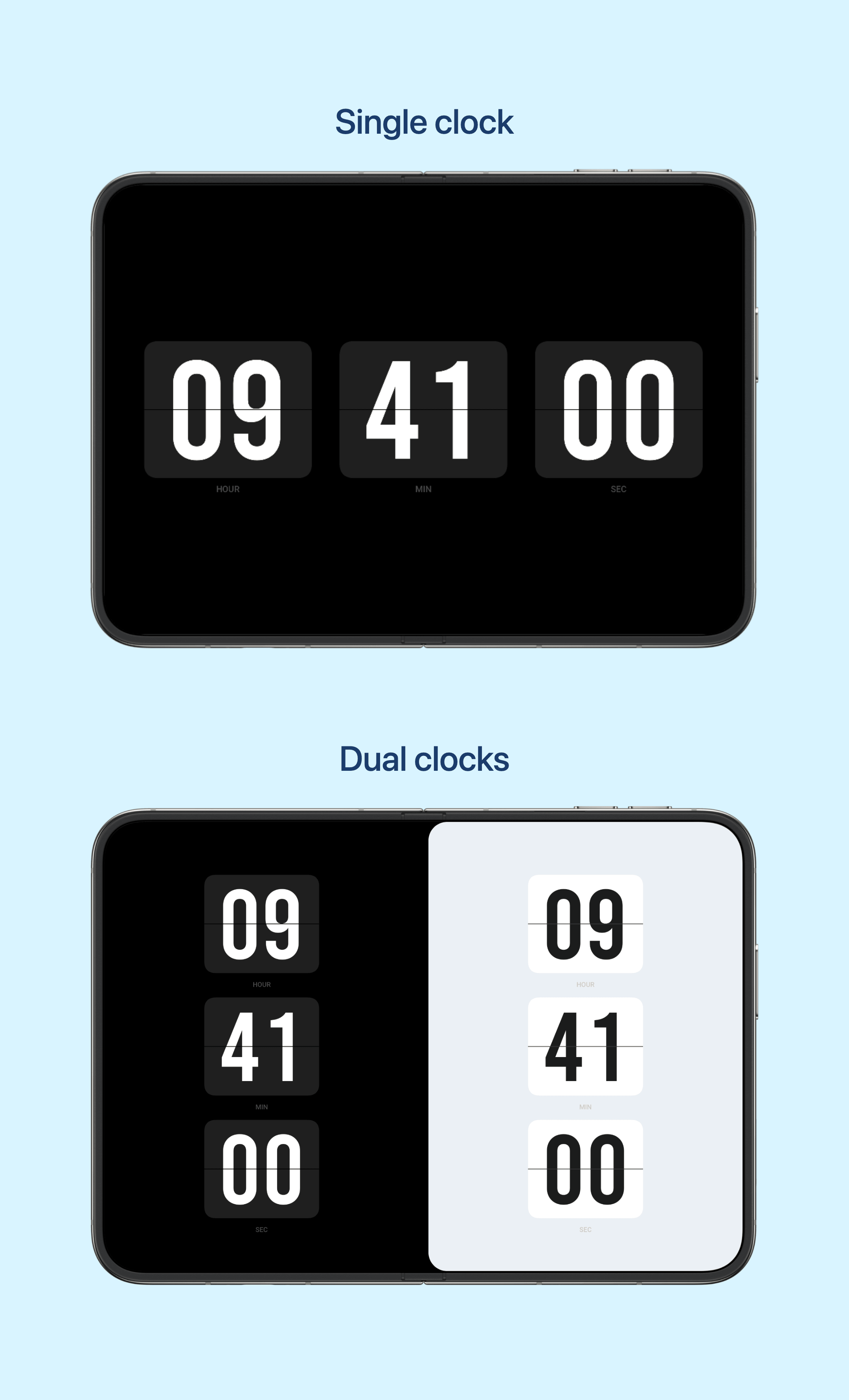
Unfold the inner screen. Choose one clock or two.
When the app fills the inner screen, you can display one large clock or turn on dual clocks to use two independent clocks at once.
Each clock has its own style, colors, and display settings. Each can also run Count Up or Countdown independently.
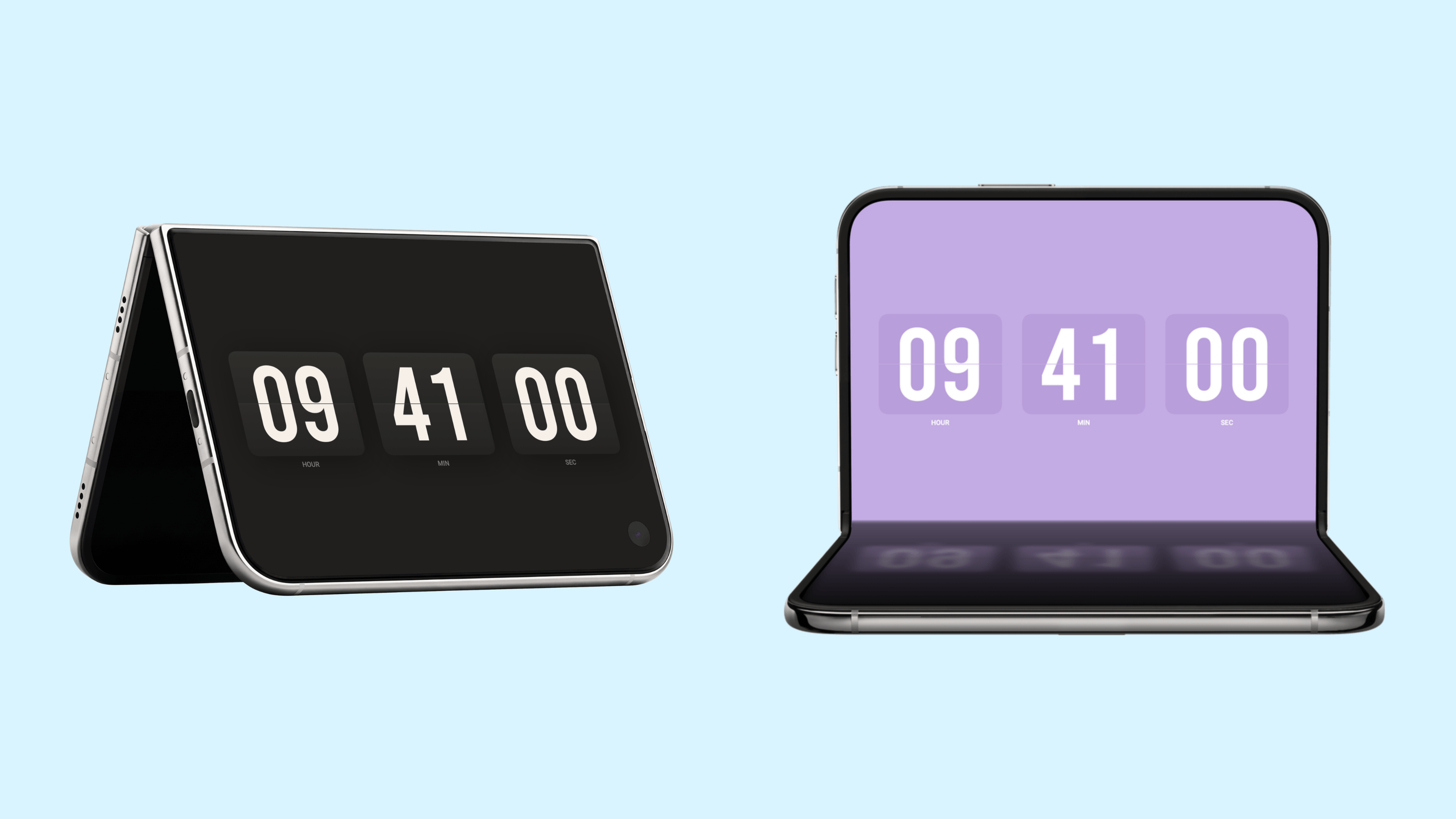
Half-fold your iPhone for a desk clock
Rest your iPhone Duo half-folded on a desk, and the clock layout adjusts to match—making the time easy to see while you read, work, or take a break.
With a single clock, the half-folded inner screen can also show a frosted reflection that stays in sync with the clock face.
How to try it
Update Soda Clock to version 1.2 or later on your iPhone Duo, then open the app to use the foldable layouts.
To use two clocks, turn on “Dual Clocks on Inner Screen” in clock settings. Turn it off to return to a single clock. Dual clocks appear when the app fills the inner screen.
Available on iPhone Duo with iOS 27.1 or later.
Open the App Store and search for “Soda Clock” to download or update.